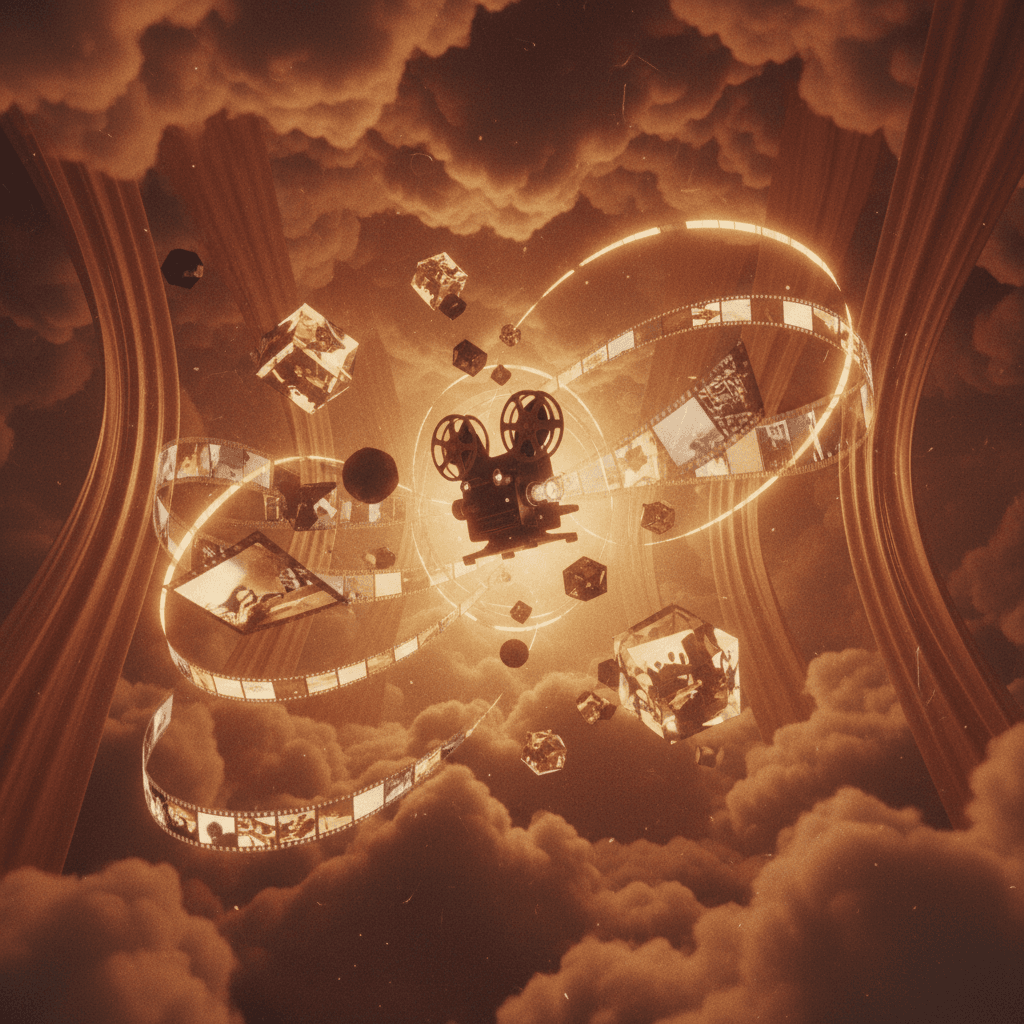
Everyone's first AI video is trying too hard to look "professional."
A product shot. A social ad. Something they saw on a tutorial. Clean, safe, and forgettable.
Here's a better idea: make something weird first.
The trap of "useful" first projects
When you learn any new tool, there's pressure to make something practical. Something you can use. Something that proves the investment was worth it.
But practical projects have expectations. They have briefs. They have "should look like X" comparisons.
That pressure makes you cautious. And caution is the enemy of learning.
Why weird is faster
Strange projects teach you more because:
1. There's no "right" answer to compare to
When you're trying to make a normal product video, you're always comparing to professional examples. "Why doesn't mine look like the Nike ad?"
When you're making something deliberately weird, there's nothing to compare to. You're just exploring.
2. You try things you wouldn't otherwise
"What if I ask for the opposite of what I want?" "What happens if I make the subject invisible?" "Can I make this feel like a memory someone else had?"
Weird prompts lead to weird discoveries—and those discoveries teach you what AI can actually do.
3. Failures don't feel like failures
If your "professional" attempt looks off, it's discouraging. If your weird experiment looks off, it might actually be more interesting.
The psychological freedom to fail is the fastest path to learning.
How to start weird
Idea 1: Make AI visualize something impossible
- "What sadness looks like if it were a landscape"
- "The moment between sleeping and waking, as a place you could walk through"
- "A memory that belongs to no one"
Abstract concepts force AI into interesting territory.
Idea 2: Combine things that don't belong together
- "Corporate earnings report aesthetic + dreamcore"
- "1950s instructional video about the future"
- "Nature documentary narrated by colors instead of words"
Genre collisions create new genres.
Idea 3: Let randomness guide you
- Generate from a random Wikipedia article
- Use the last text you copied
- Describe what's outside your window but wrong
Constraints that come from outside your head force you out of patterns.
Idea 4: Make it personal
What would your childhood bedroom look like if it were a place you could fly through? What does your anxiety look like in motion? How would you visualize the feeling of an old song?
The more personal, the more unique—and the less it can be compared to anything else.
What you'll actually learn
By the time you finish one weird project, you'll understand:
- How different prompting styles change results
- Which models give which kinds of outputs
- What motion and pacing feel like in AI video
- How to iterate without getting stuck
- What you personally find interesting
That last one is the most valuable. Your taste is your compass. Weird projects calibrate it.
The permission slip
You don't need to show anyone your first project. You don't need to post it. You don't need to justify the time spent.
Treat it like sketching. Like warming up. Like play.
The practical projects will come. The client work will come. The portfolio pieces will come.
But first: make something strange that's entirely yours.
Your weird starting point
Here's a prompt to copy right now:
"The feeling of almost remembering something, visualized as a place that keeps shifting"
Generate it. See what comes back. Then change one word and generate again.
That's it. That's the beginning.
Why aiVideo.fm is perfect for weird experiments
When you're exploring, you need:
- 160+ AI models in one place — try Sora, Veo, Kling, Runway, and dozens more without switching platforms
- Fast iteration — generate, compare, remix without waiting
- Director Studio — sequence your weird clips into something cohesive
- No judgment — export when you're ready, delete when you're not
The tools are live now. Not "coming soon."
Ready to make something weird? Start experimenting on aiVideo.fm — 160+ models, one interface, infinite possibilities.
Want to go deeper? Read The Art of Happy Accidents for more on cultivating creative surprises, or learn the fundamentals in our AI Video Generation Guide.