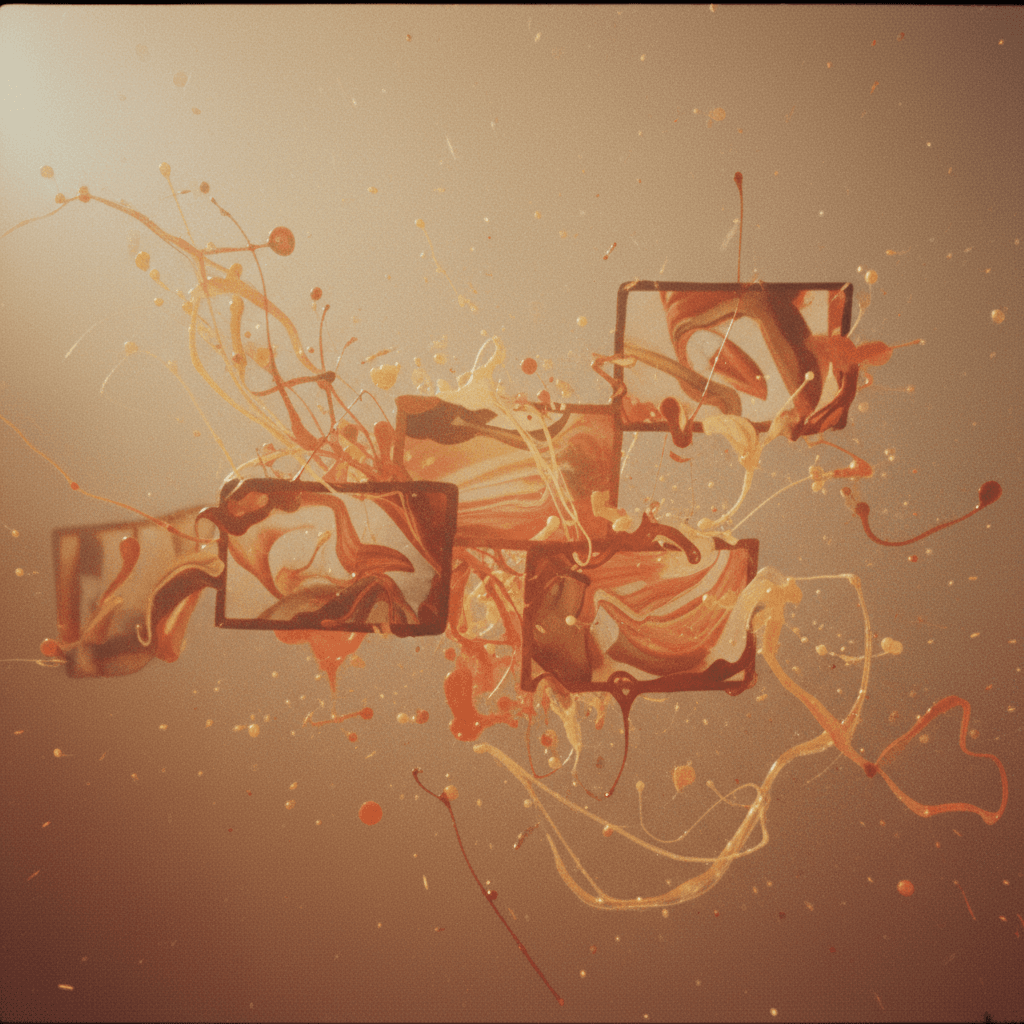
The best AI videos often come from moments you didn't plan. A weird color cast that becomes a mood. A motion artifact that feels intentional. A generation that went "wrong" but looks right.
This is the art of happy accidents—and it's something AI is particularly good at providing.
Why AI is the ultimate creative collaborator
Traditional video production is about control. You plan, you storyboard, you light, you shoot, you edit. Every frame is intentional.
AI video is different. You describe something, but you don't fully control what comes back. And that gap—between what you imagined and what appears—is where creativity lives.
Think of AI as a collaborator who:
- Interprets your ideas through a different lens
- Makes choices you wouldn't have considered
- Sometimes misunderstands in interesting ways
- Generates variations faster than you could imagine them
How to cultivate more happy accidents
1. Generate more than you need
Don't stop at the first "good enough" result. Generate 10 variations of the same idea. Or 20. The magic often lives in generation 14.
2. Use vague prompts on purpose
Instead of: "A woman in a red dress walking through a forest at golden hour with soft lighting"
Try: "Movement through trees, warm light, something flowing"
Let the AI fill in the gaps. You might get something better than your imagination.
3. Mix incompatible concepts
Ask for things that don't normally go together:
- "Corporate presentation aesthetic meets fever dream"
- "Nature documentary shot like a music video"
- "Cozy but unsettling"
The tension between concepts creates interesting results.
4. Keep your "mistakes"
Before deleting that weird generation, ask: "Is there anything here I like?" Often there's a 2-second moment, a color, a texture, or a motion that's worth saving.
Build a library of interesting failures. They become source material for future projects.
5. Randomize your inputs
Don't always know what you want? Good.
- Try random style combinations
- Generate from abstract mood words
- Start with a song and describe how it makes you feel
The less attached you are to the outcome, the more room for discovery.
The myth of the perfect prompt
You'll see people share "perfect prompts" that supposedly guarantee results. They're missing the point.
The goal isn't to control AI perfectly. It's to have a conversation with it. You prompt, it responds, you refine (or change direction entirely), it responds again.
Each generation teaches you something about what's possible.
When to embrace vs. when to direct
Not every project has room for surprises. Sometimes you need a specific shot for a specific purpose.
But even in commercial work, you can build in moments for exploration:
- Generate style references before locking in direction
- Try one "wild card" variation for every "safe" one
- Let AI suggest transitions between planned scenes
The discoveries you make in play often improve your directed work.
Your next step
Open your AI video tool of choice. Don't plan anything. Just type a mood, a feeling, or a random combination of words. Hit generate.
Whatever comes back—don't judge it. Ask instead: "What's interesting here?"
That question is the beginning of everything.
Why aiVideo.fm makes happy accidents easier
Most platforms lock you into one model. aiVideo.fm gives you 160+ AI video models in one place—which means:
- More variation, faster — try Sora, Veo, Kling, Runway, and experimental models you've never heard of
- Different interpretations — the same prompt produces wildly different results across models
- Discovery built in — you'll find aesthetics you didn't know existed
- Director Studio — when accidents become intentional, sequence them into something real
The creative freedom to generate, fail, and discover—without switching between five different platforms.
Ready to embrace the unexpected? Start experimenting on aiVideo.fm — 160+ models, one interface, infinite possibilities.
Keep exploring: Why Your First AI Video Should Be Weird or learn the structured approach in From Mood Board to Motion.