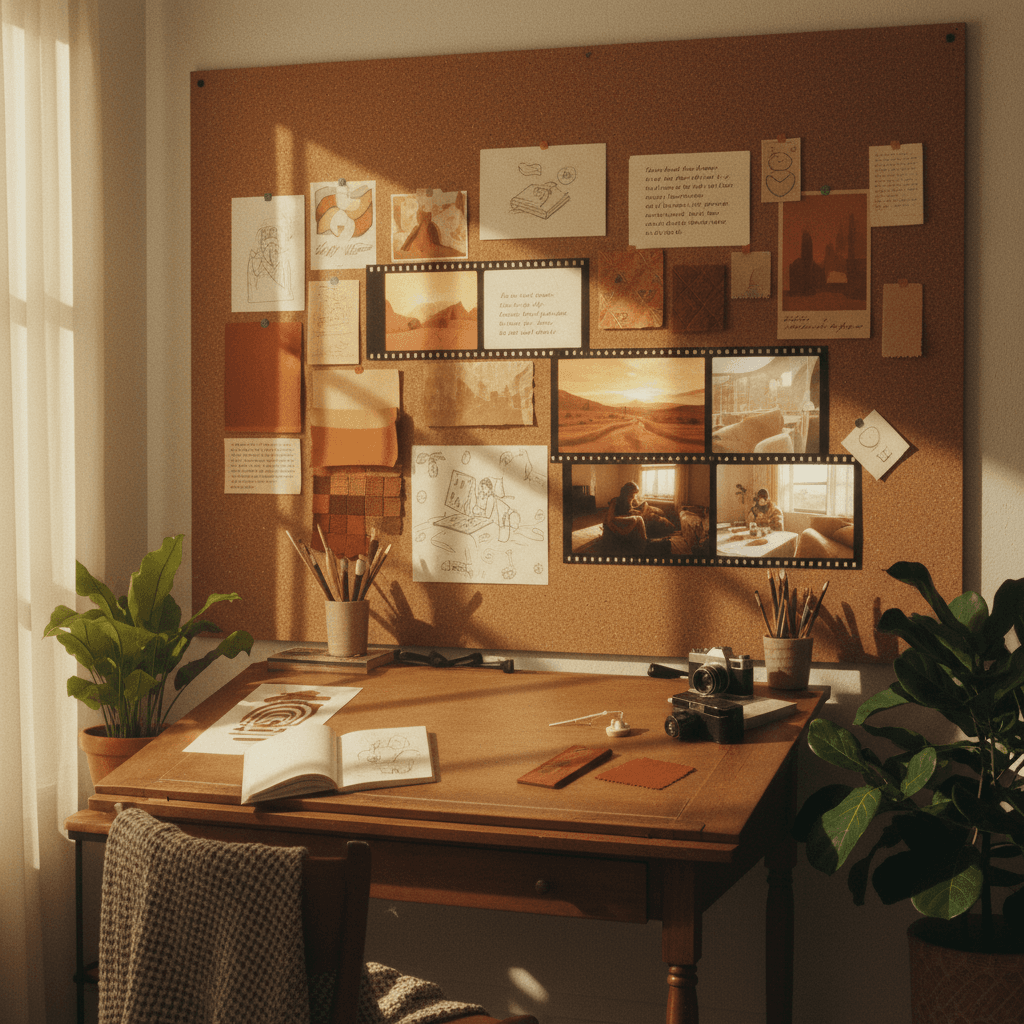
You have a Pinterest board full of vibes. A folder of saved images. Screenshots of moments that made you feel something. But how do you turn that static inspiration into motion?
This is the creative's challenge—and AI video is changing how it works.
Why visual thinkers struggle with traditional video
If you're a designer, illustrator, or visual creative, you probably think in images. You collect references. You feel color relationships. You understand composition intuitively.
But video traditionally required different skills:
- Scripting and storyboarding
- Technical camera knowledge
- Editing timelines
- Motion graphics software
AI video bridges the gap. Now you can describe what you see in your head—and get moving images back.
The mood board to motion workflow
Step 1: Curate without purpose
Don't organize your inspiration yet. Just collect things that resonate:
- Color palettes that feel right
- Textures you want to touch
- Moments that have energy
- Compositions that draw your eye
This is your visual vocabulary.
Step 2: Name the feeling, not the thing
Look at your collection and ask: what's the feeling here?
Instead of describing objects ("a sunset over mountains"), describe the emotional quality:
- "Nostalgic glow"
- "Dreamy tension"
- "Calm urgency"
- "Familiar strangeness"
These abstract qualities often produce more interesting AI generations than literal descriptions.
Step 3: Borrow rhythm from music
Every mood has a tempo. Before you generate, put on music that matches your visual inspiration.
Ask yourself:
- Is this slow and flowing, or quick and choppy?
- Does it build or stay steady?
- Where would the motion pause?
Use these rhythmic qualities in your prompts: "gentle floating movement" vs. "quick cuts between static moments"
Step 4: Generate in waves
Don't try to make the final thing on the first try.
Wave 1: Exploration Generate loosely. Vague prompts. Multiple models. See what the AI shows you that you didn't know you wanted.
Wave 2: Direction Take the best elements from Wave 1 and get more specific. "More of that blue-purple atmosphere" or "the way things moved in that one—but with this subject"
Wave 3: Refinement Now you know what you're making. Generate variations to find the perfect takes.
Step 5: Let the sequence tell itself
Once you have a collection of clips, lay them out without forcing a narrative.
What happens when you put these two next to each other? Does the eye naturally flow? Does something unexpected happen in the juxtaposition?
Sometimes the best sequences aren't planned—they're discovered through arrangement.
Prompt translation: from image reference to motion
Here's how to translate visual inspiration into AI video prompts:
You have: A photo of foggy forest with light rays
Wrong prompt: "A foggy forest with light rays"
Better prompt: "Soft light filters through mist, gentle atmospheric movement, ethereal, the way light looks when you first wake up"
The difference: you're describing the experience of the image, not just its contents.
Working with multiple AI models
Different AI models have different aesthetics. Think of them like different collaborators:
- Some are more cinematic and polished
- Some are more painterly and abstract
- Some excel at realism, others at surrealism
Don't commit to one model. Generate the same concept across several and see which interpretation resonates with your vision.
The designer's advantage
If you already think visually, you have a superpower in AI video. You can:
- Reference artistic movements ("Rothko color field meets surveillance footage")
- Describe composition ("off-center subject, heavy negative space")
- Speak in texture ("grainy like old film, but the colors are too saturated")
AI understands these references. Use your visual literacy as a prompt language.
From experiments to portfolio
Your AI explorations aren't just play—they're concept development.
- That weird aesthetic you discovered? It's a direction you could pitch to clients.
- Those mood pieces? They're visual references for future projects.
- The technique you figured out? It's a skill nobody else has yet.
Document what you learn. Build a library of your discoveries.
Why aiVideo.fm is built for visual thinkers
Creative workflows need creative tools. aiVideo.fm offers:
- 160+ AI models — different aesthetics, different interpretations of your vision
- Side-by-side comparison — generate the same concept across Sora, Veo, Kling, Runway and see which matches your mood board
- Director Studio — sequence your discoveries into actual projects
- Fast iteration — the exploration phase should be fast, not frustrating
Think in images. Generate in motion. Edit when you're ready.
Ready to turn your visual inspiration into motion? Start creating on aiVideo.fm — 160+ models, one interface, infinite creative possibilities.
More for visual creators: Why Your First AI Video Should Be Weird and The Art of Happy Accidents.